
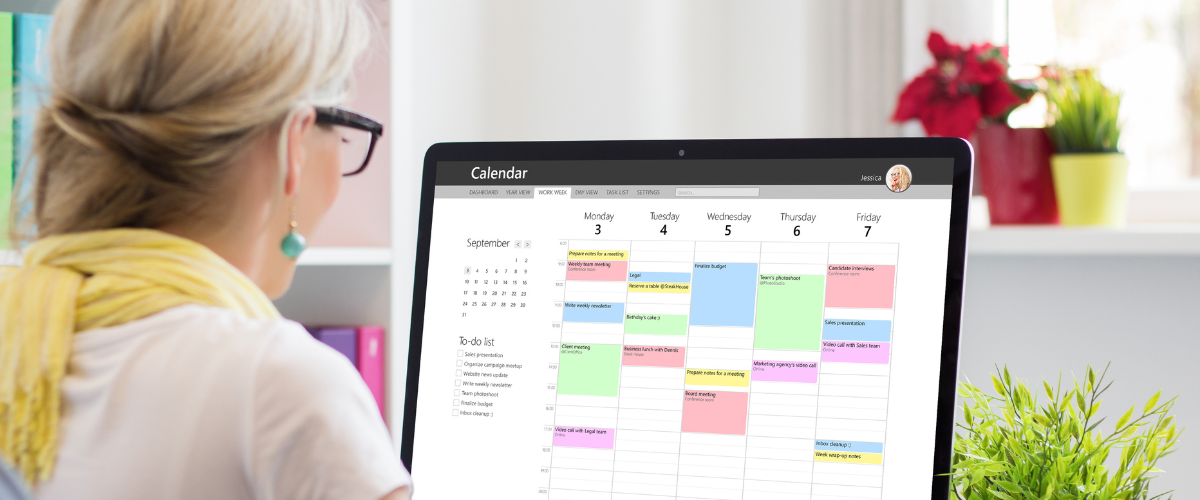
Once upon a time, there were three options for keeping life organized:
- A wall calendar with space to write appointments under specific days.
- A pocket calendar with extra pages for notes and to-do lists.
- A plain notebook where users wrote in their own priorities and schedules.
Today, there are multiple customized planners (three-dimensional and digital) for every purpose. Exercise planners, healthy-eating planners, budgeting/investing planners, long-term-goal planners, planners for users with specific abilities and disabilities … the list goes on. There’s a perfect organizer for everyone—if you can find yours among all the others.
To help out, today we’re highlighting nine popular options from our App Search Tool. (You can also search the database for “organizer,” “planner,” “tracker,” or any topic of your choosing.)

- Calendar is a simple and user-friendly app that comes with iOS devices. It can set alerts; estimate drive time to events; organize to-do lists by color coding; and schedule entries to “Repeat” weekly/monthly/on any day(s) the user specifies.
- Calorie Counter – MyNetDiary helps users organize healthy eating habits by tracking calories and nutrition. This app has received positive reviews from Forbes, The New York Times, and the American Journal of Preventive Medicine. It’s compatible with iOS accessibility tools, and considered user-friendly for nearly every ability level.
- ChoiceWorks Calendar, now available for Android, is a good option for visual thinkers just learning the principles of scheduling. Children as young as three can be introduced to it. It comes with customizable voices, video-editing features, and a visual timer.
- Google Calendar, the Android counterpart of the iOS Calendar app, can be used on Apple devices as well. Popular Google Calendar features include dark mode and full-screen-tasks-list display.
- MyNetDiary (PlateAI) is a healthy-eating app recommended for users with diabetes or prediabetes. It includes a symptom tracker, fiber and hydration trackers, and an AI coach for individualized food recommendations. Among the most popular (and inclusive) features is the option to log meals with a simple photograph.
- Pomodor is a digital timer based on the Pomodoro productivity approach: 25 minutes of focused work at a time, interspersed with short breaks.
- Rocketbook is the companion app to physical Rocketbook planners, which use erasable pages for a reusable, sustainable brand. The Rocketbook app scans handwritten notes and saves them in digital format—and can also search notes by handwriting recognition.
- Tiimo is a planner/organizer designed for people with autism and other executive-function disabilities. It uses an organizing system with visual features, a “brain dump” option, and an AI assistant.
- Time Timer is probably the best known of visual-timer brands; physical versions have been around since the 1990s, and app versions for over 15 years. It works by displaying a disc (the app offers a choice of colors) that recedes clockwise, allowing anyone to estimate time remaining at a glance. (Think of a pie chart divided into “time expired” and “time remaining” sections; or see this video of a Time Timer in action.)