
It’s hard enough deciding which assistive technology best helps your child manage a disability. It’s even harder balancing that task with school rules and accommodations. Especially when much technology is now AI-based, and the question of whether AI enhances learning or encourages laziness is a “wild, wild West” of controversy.
Tips for Parents
Questions about AI use (in classes, homework, and accommodations) are certain to come up this school year. As a parent or guardian, you can help things run smoother by:
- Learning about AI yourself (if you need help, check with our AT lab).
- Having ongoing conversations about AI with your child—and letting them teach you when appropriate!
- Being clear on how artificial and human intelligence differ, and how to use them together.
- Setting a good example in your own use of AI, whether you’re writing a business proposal or organizing your personal schedule.
- Sharing any questions with your child’s teacher(s) and IEP team.
- Reviewing your school district’s official AI guidelines. Find out which AI tools are already approved for class/homework, and which require special permission. And make sure that your child’s IEP includes full details on any AI they need for schoolwork—especially technology not (yet) specifically mentioned in the guidelines.
Local examples of AI policies include the HISD AI Guidebook, the Fort Bend ISD Artificial Intelligence Handbook, and Katy ISD’s Responsible AI Framework.

What Our Team Members Have Seen
Of course, AI considerations aren’t exclusive to Houston-area—or K–12—schools. Tara Rocha, BridgingApps Digital Learning Specialist, has a story about one of her daughter’s college English assignments:
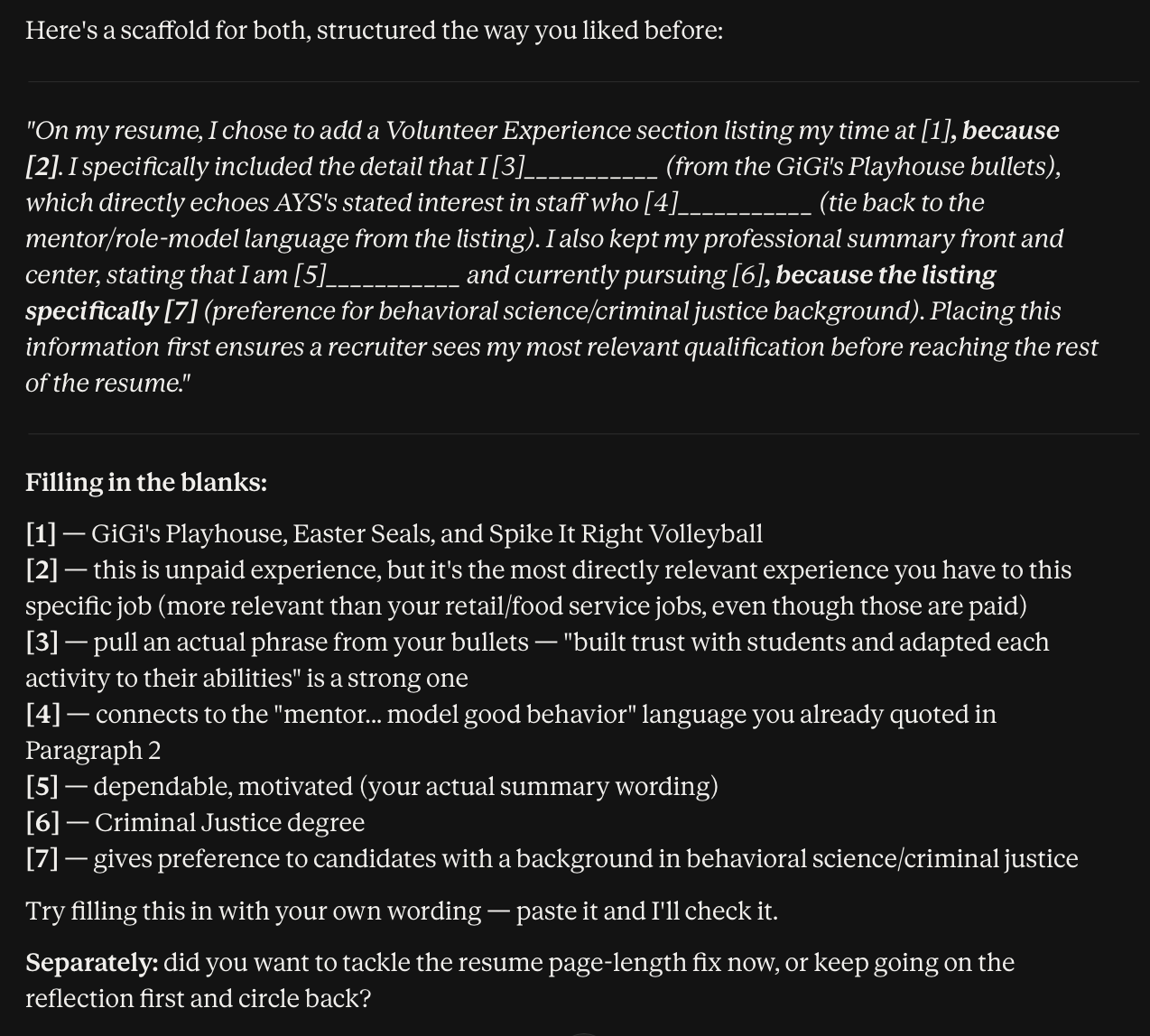
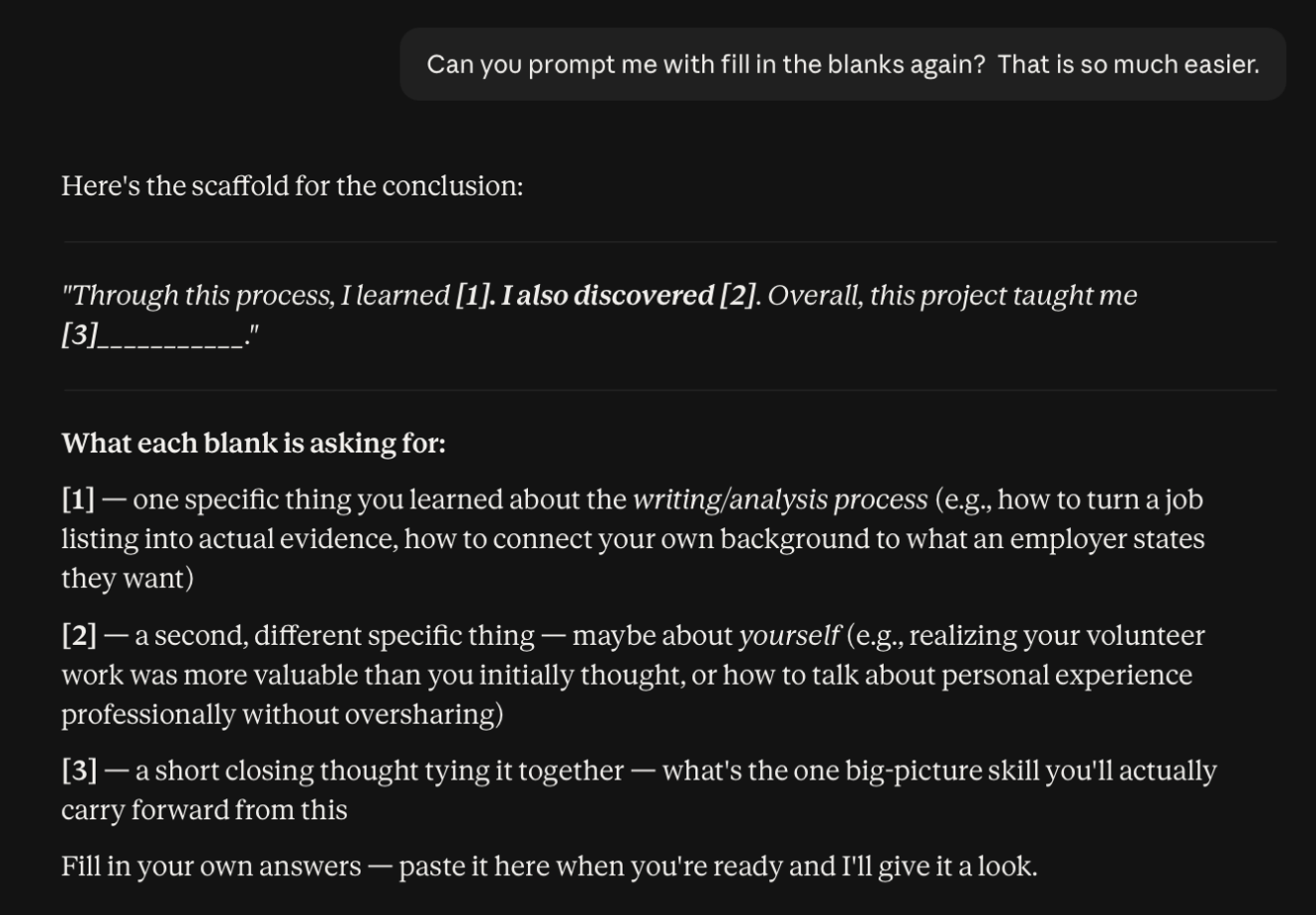
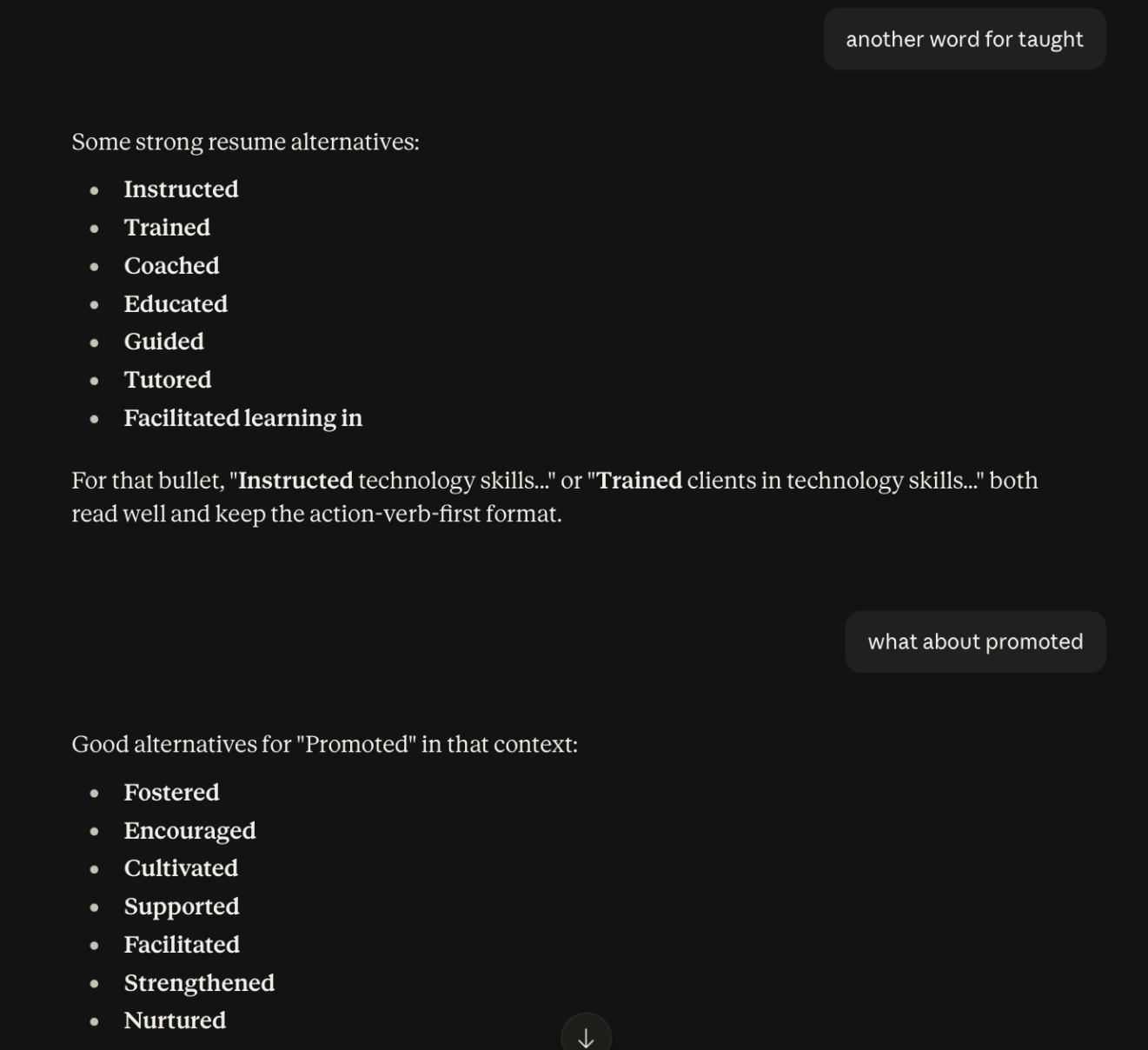
“Kasiana had to submit a résumé and cover letter—along with a reflective essay on what she included and why. That last part involved analytical writing, a completely new type for her. She did have accommodations from the college (for neurodiversity, anxiety, and depression)—but we hadn’t specifically asked about AI. Using Claude on this assignment became another “first” experience.
“I acted as Kasiana’s instructional coach while she:
- Uploaded samples provided by the teacher;
- Created prompts specifying that she did not want the Al to write the paper for her;
- Used an AI-generated scaffold of fill-in-the-blank statements to follow the structure the teacher was looking for;
- Found ways to make the final words her own;
- Put a detailed ‘Al disclosure’ statement at the bottom of her finished essay.
“The experience was a great confidence builder for her.”
Below: Samples from Kasiana’s AI search.
Not every parent is so confident in the learning-coach role. Says Marjorie Reichard, a BridgingApps Project Manager living in Virginia: “My daughters are being encouraged by their schools to use AI, to use but not abuse the tool. And I’m not sure how to help them learn AI skills.”
What the Pros Are Doing
Many teachers aren’t sure, either; but they’re educating themselves on it. As noted in our July 16 post “The New World of Educational AI,” one learning opportunity this summer was the virtual AI for Educators Conference, which featured such topics as Ethical Ed Tech. Tara Rocha reports:
“Educators everywhere are looking for ways to teach students to use AI without abusing it. In addition to what we learned at the conference, I’ve been looking up free AI-literacy courses. With schools increasing AI training, and workforce grants emphasizing AI literacy, I put together a list of resources for our clients and staff.”
Tara’s list:
- AI in special education from Microsoft Learn. Covers accessible learning; communicating with families; privacy; transparency; reducing administrative stress; and responsible AI use.
- AI literacy for teachers course from Flint, “which my husband’s school uses as the only approved AI.”
- AI Literacy Lessons for Grades 6–12 from Common Sense Media. Quick grab-and-go lessons to help students think critically about AI and its impact.
- AI 101 for Educators, a five-part video and resource series from Code.org.
- Day of AI: Free, hands-on resources for students ages 5–18 and their families and teachers.
- IBM SkillsBuild: Includes AI courses for students ages 13–18.
- Learning.com: A longtime staple for teaching digital skills, and a good source of up-to-date AI information.
- Procurement Aicademy (yes, that’s the correct spelling): Offers free certification courses, including “AI-Ready in 90 Minutes.”
- Waveflux Academy: Has a free Beginner AI Training course for working professionals, which can be completed in as little as 20 minutes.
Tara adds: “Northstar (BridgingApps’ favorite digital-literacy-training resource) doesn’t have an AI training module yet; but they just released their new ‘AI Standards’ and ‘AI Basics’ list. I’m keeping an eye out for what they do next.
“Teachers are definitely being instructed to teach students responsible AI use. It’s inevitable that kids will use AI anyway: we need to ensure they get proper guidance.”