

While many people could benefit from spending less time with their screens, there are families with the opposite problem. Their kids need screen-based assistive technology for daily activities, but limited access to screens is reducing the technology’s effectiveness.
There are at least three reasons why someone might not have screen access when they need it.
1. Limited Internet Access
While not all screen activities require an online connection, losing that connection does limit one’s options. This is most likely to be a problem in rural areas far from major communications centers, or in low-income households that can’t afford high-speed internet.
Easter Seals Greater Houston has resources for families in such situations. For examples, see:
2. Official Restrictions on Screen Use
Airplane mode and silent ringtones have ended “devices completely off” rules in most places. However, there’s one venue type where device restrictions have increased: schools. Concerns about distractions and digital note-passing have led many districts, including HISD, to ban use of “personal communication devices” during school hours.
This raises questions for several million public-school students who need assistive technology:
- What are the alternatives to personal-device-based technology?
- What warrants an exception to the rules?
- What can be done to help other students (the ones not allowed to use devices) understand the need for exceptions?
- If someone is allowed to use a personal device for assistive technology, how should other device-based activities be blocked during school hours?
“No device” policies are a recent development in most schools, so long-term effects remain to be seen. In the meantime, make sure that your child’s IEP is clear on what’s needed and why. And be open to alternatives: teachers can be your best source of new ideas.
3. Devices Left Behind
Have you ever walked away from your umbrella or your ballpoint pen, and not missed it until it was too late to go back for it? That happens with devices too—even wearables.
“My son is on his third or fourth Apple Watch,” says Tara Rocha, BridgingApps Digital Learning Specialist. “It’s the best device our family’s found for keeping him in the loop. There are fewer distractions than on other devices; and since Apple Watch Series 4 came out, we can pair his watch’s cellular with other family members’ phones.
“The problem is, he doesn’t really like to wear watches because they make his wrist sweat, so he takes them off and loses them. We finally put a Life360 Tile Sticker [see reviews for Tile and Life360 apps, whose companies have recently merged] on his current watch, and now we can track it even when the battery dies. We also got him an Aluminum Alloy Case for Apple Watch,” which replaces uncomfortable wristbands with a hand-carried option.
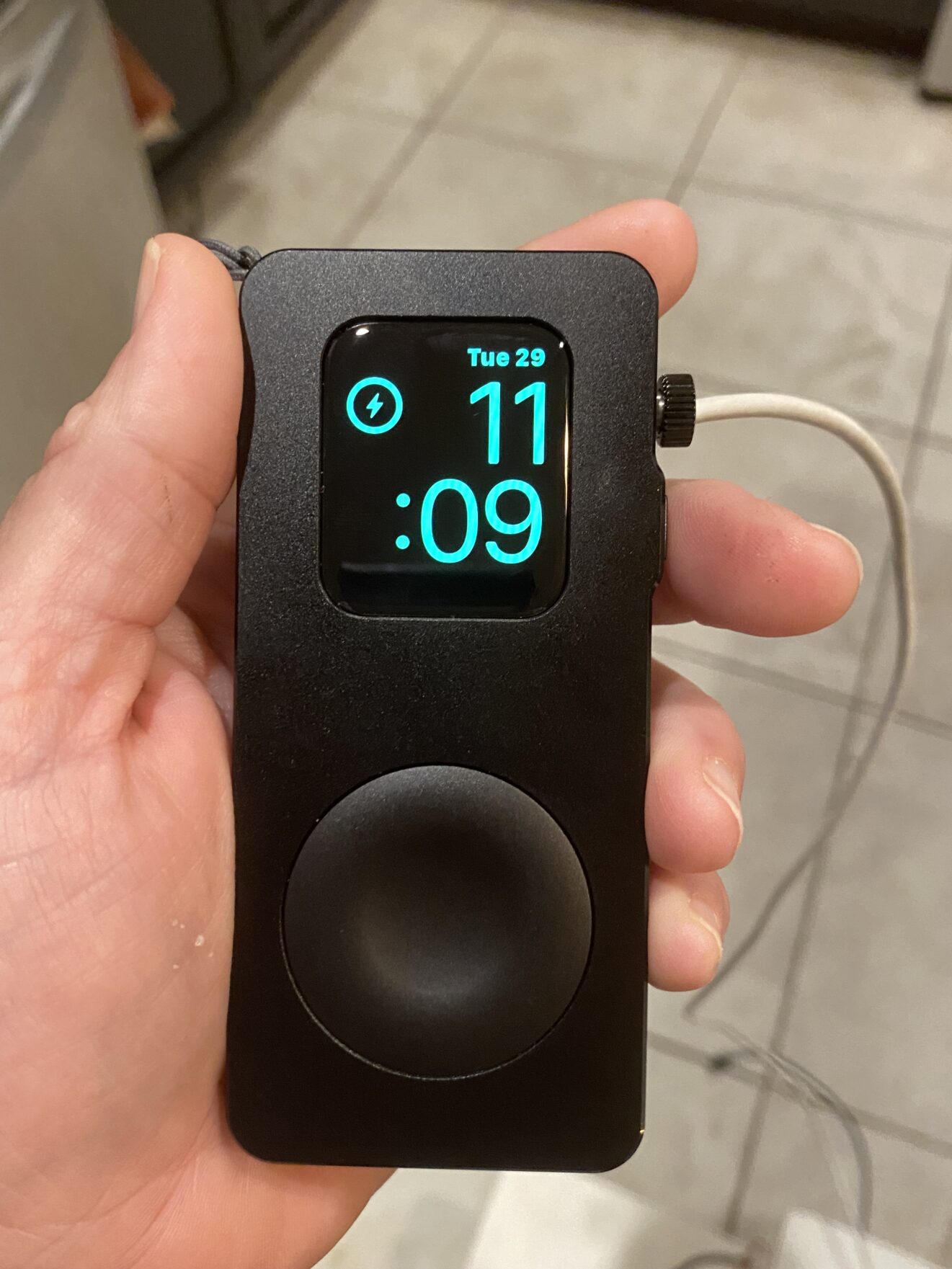
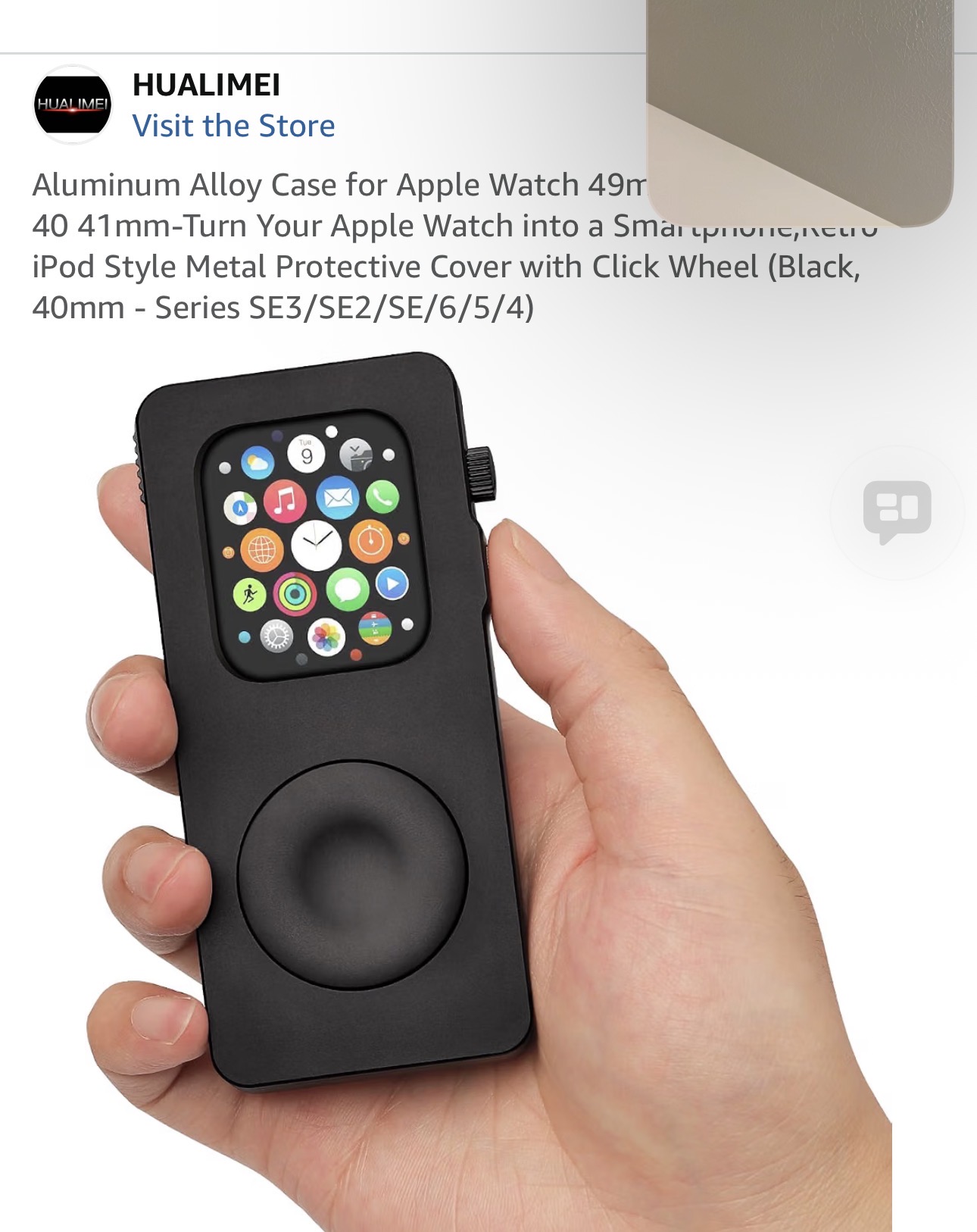
The case also comes with an adjustable lanyard that can be clipped to backpacks.
Other options to keep Apple Watches from going astray:
Your family’s best option (or device) may be something completely different. If you need help deciding, consider stopping by our Assistive Technology Lab.
And remember to get your child’s input on device type, preferred app features, how to decorate the case, etc. It’s a universal fact that people are less likely to lose something they’ve made a personal investment in!