
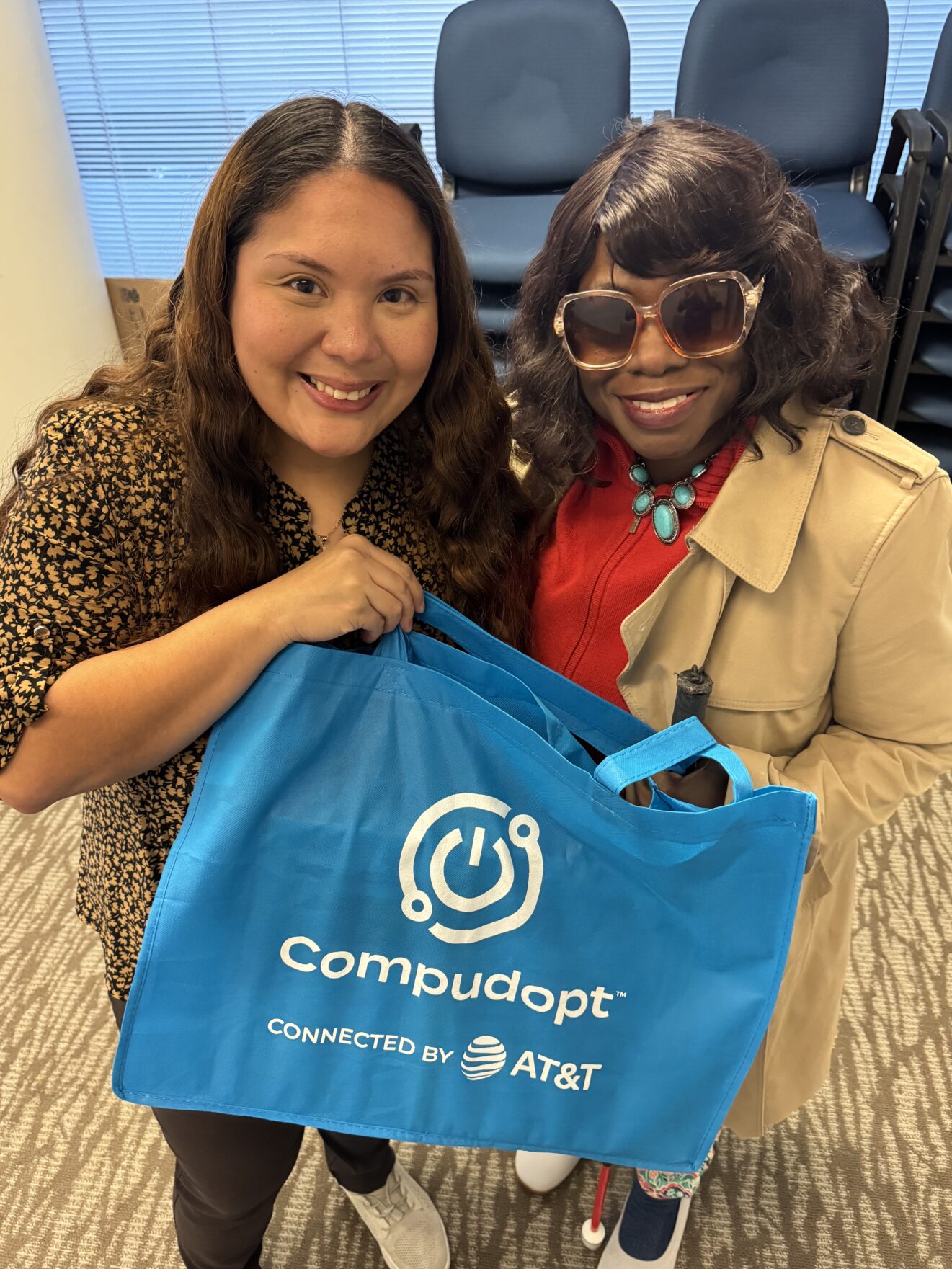
Our latest BridgingApps Client Story is from Michelle Johnson, a program participant with vision disability.
I got information about BridgingApps through a mentor in the Blind Professionals Network (BPN) and a contact in the Houston Council of the Blind. They knew others who had received laptops through your programs, and they insisted I call you guys and see when the next computer giveaway was.
I’m so grateful that they insisted. Having my own device (for the first time since 2013) has blessed my life with new convenience. For one thing, it’s gotten rid of a lot of transportation stresses. I need METROLift to go places, and when I did online work at the library, I’d have to plan around transportation arrangements and often cut off early. Now I can work on things all day, and I don’t have to step outside the comfort of my home.
The Laptop Does So Much
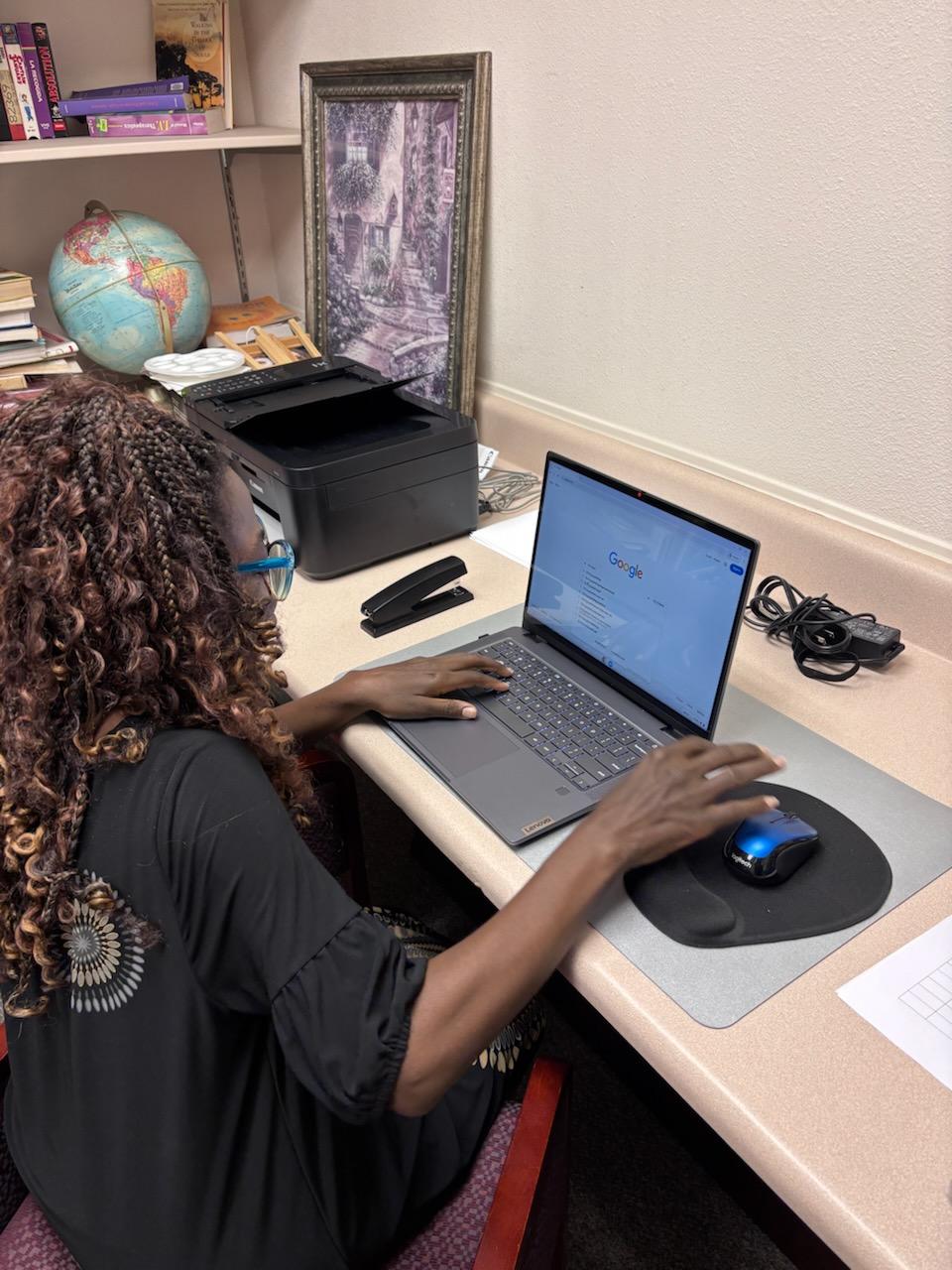
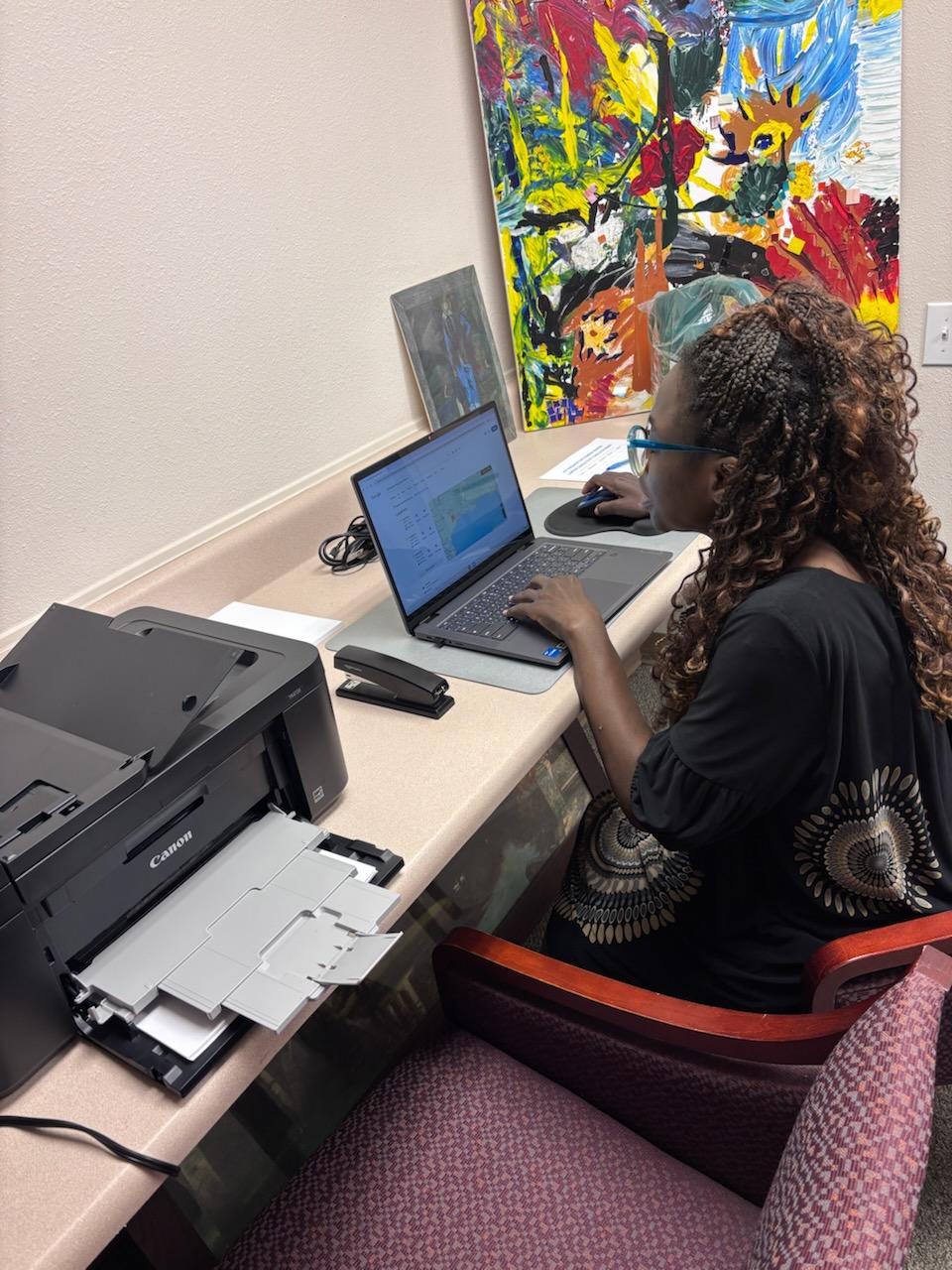
I’m using my new computer for multiple things that were hard when I had only library computers and my phone:
- I wasn’t able to fill out large applications before. Now I have more wiggle room.
- I’m also able to store more information, and do more files and folders.
- I really like the separate, ergonomic keyboard for working on my typing skills. It gives me a lot of comfort, because the keyboard is bigger and the keys are softer than on the laptop’s built-in board.
- The portable wireless mouse is also great, because I don’t have to lean closer to the laptop to figure out where its mouse is. I can sit comfortably a little bit further away.
- It’s easier to check email, and to read PDFs that people give me for training and stuff like that.
- I’m picking up on new computer skills through things like that Northstar program you had me use. I’ve learned to use new AI like Copilot, ChatGPT, and Gemini. Also screen readers like Microsoft Narrator, which is like a gateway to the JAWS and Fusion training I’m waiting for. [Note: the last three apps are assistive technology for people who have trouble reading standard computer-screen settings. Narrator is built into Windows devices and software; JAWS and Fusion are from Vispero, a major digital-accessibility provider.]
- I’m still learning how to use the second monitor; but when I take online classes, it’s going to be great to pull up an e-textbook and scroll through it on the extra screen.
- The computer helps with time management, too. Now I don’t have to feel rushed; I have everything right in front of me.
Assistive Technology for Vision Disabilities
All this just makes things easier. It’s very important to learn technology skills in this new era we live in. Otherwise, you’re gonna find yourself far behind and lost.
For people like me who are blind or visually impaired, fancy tools like the Meta Envision glasses and CCTV are helpful but very expensive. If you can’t get them right away, I want you to know that most of the stuff you need is already accessible on your computer. You just need to know how to use the built-in software, like Microsoft Narrator.
What we need most from places like Easter Seals, I will say, is more outreach—because there’s still a lot of people in need of technology, and they need to hear about this. I was blessed that I was a recipient of the grant program: I want to thank the trainers for their patience and for wanting to train those with disabilities. I so appreciate the trainers’ availability and their time spent teaching us to get back on course.