
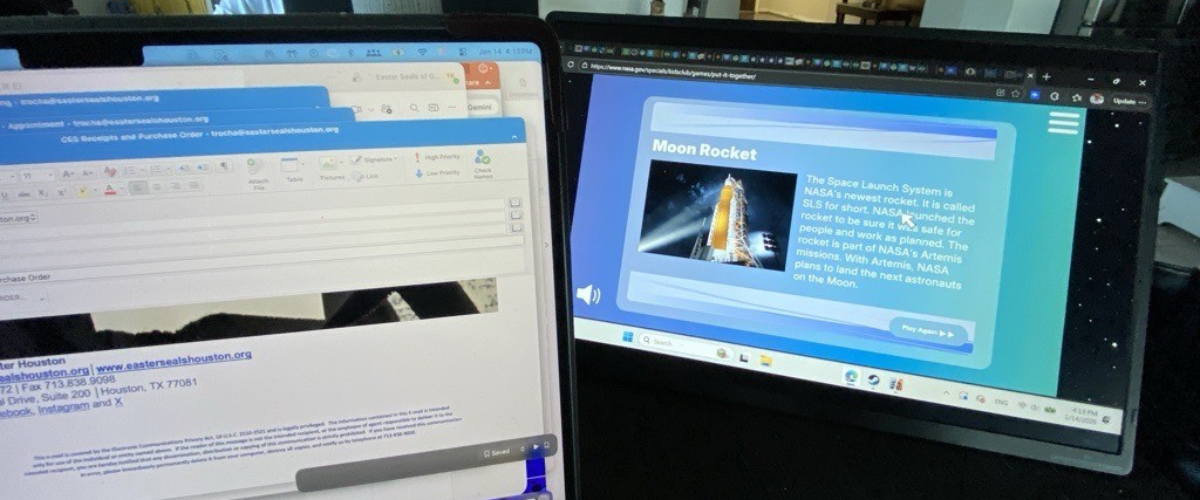
Screen extender: a portable monitor that attaches to a laptop or other digital device, adding one or more displays to the setup. May fasten directly to the device’s built-in screen, or stand separately with a cable or wireless connection. Alternate names include “monitor extender,” “display extender,” and “extended monitor.”
Today, Digital Learning Specialist Tara Rocha shares about personal experience with screen extenders.
Big Benefits in a Small Package
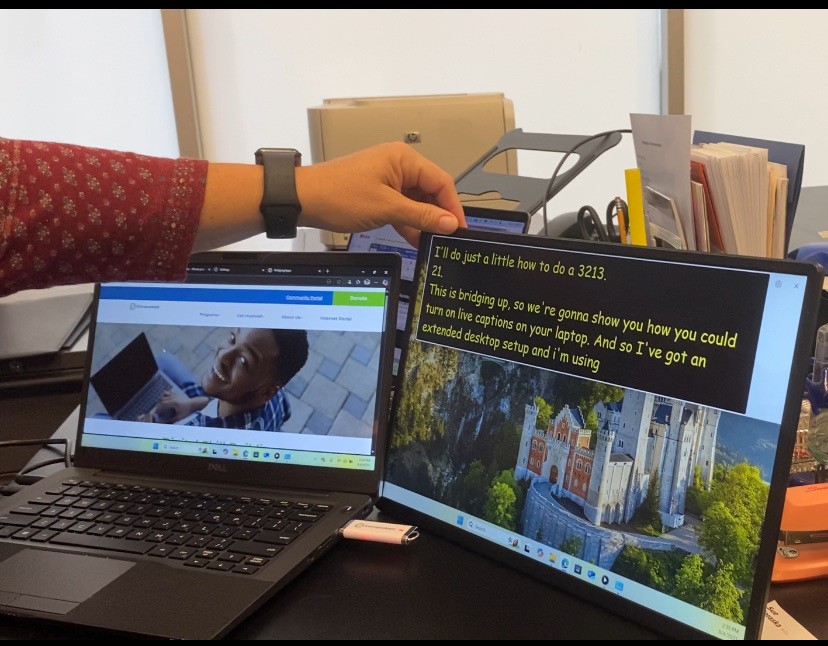
My favorite extender has a built-in Apple Smart Cover, so it looks like a big iPad when it’s closed. It works off the power from my laptop, and it’s very mobile-friendly: I can just put it in my bag and take it along, with the single USB cable it needs for a connector. And the extender is plastic, so I don’t have to worry about dropping and breaking it.
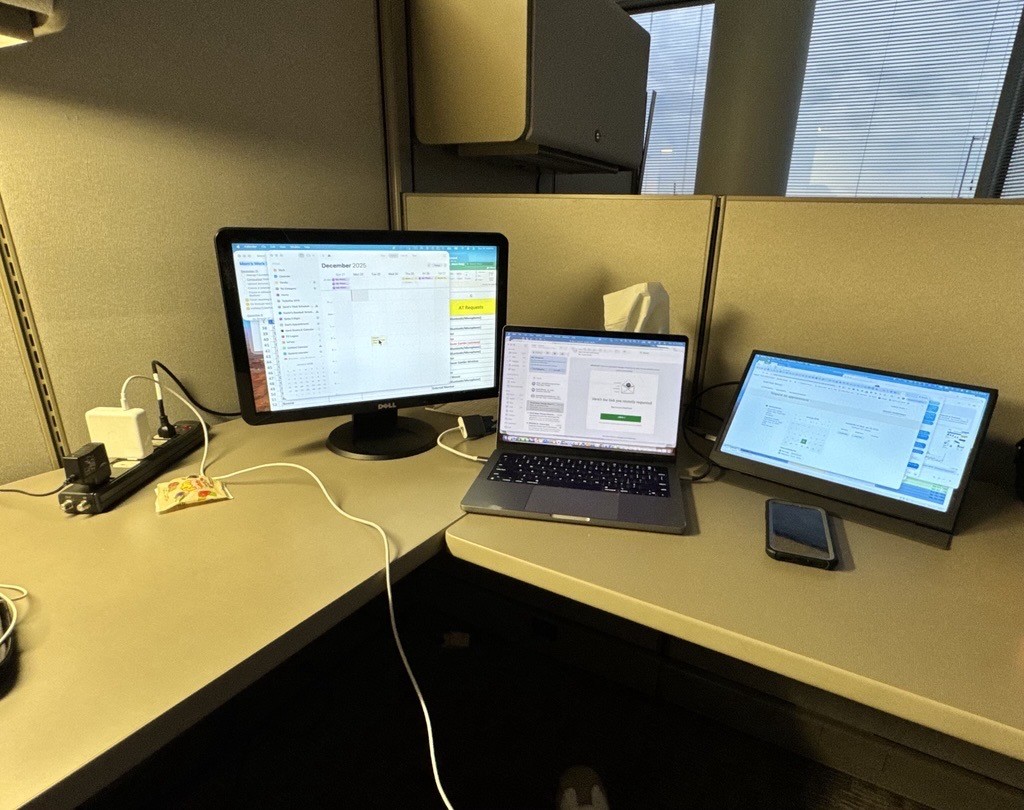
Having an extra monitor is helpful because I struggle with focus and ADHD. Say I’m working on a spreadsheet and I need to look up information. I can use one monitor for that while keeping the spreadsheet visible on the other monitor, and my focus doesn’t feel so divided. Sometimes I’ll even use two extenders, one on the left and one on the right of the primary monitor.
I work much faster with extra monitors, especially now that my eyes are getting a bit old for minimized computer windows. With the screen extender, I can view everything in full screen at once, and there’s no need to adjust the size of the windows or to tile them all on the same screen.

All in the Family
My husband has a screen extender of his own. As a teacher, he uses multiple screens to respond to emails and review student assignments. He can also view videos and other digital content that helps him prepare for the next day’s lessons.
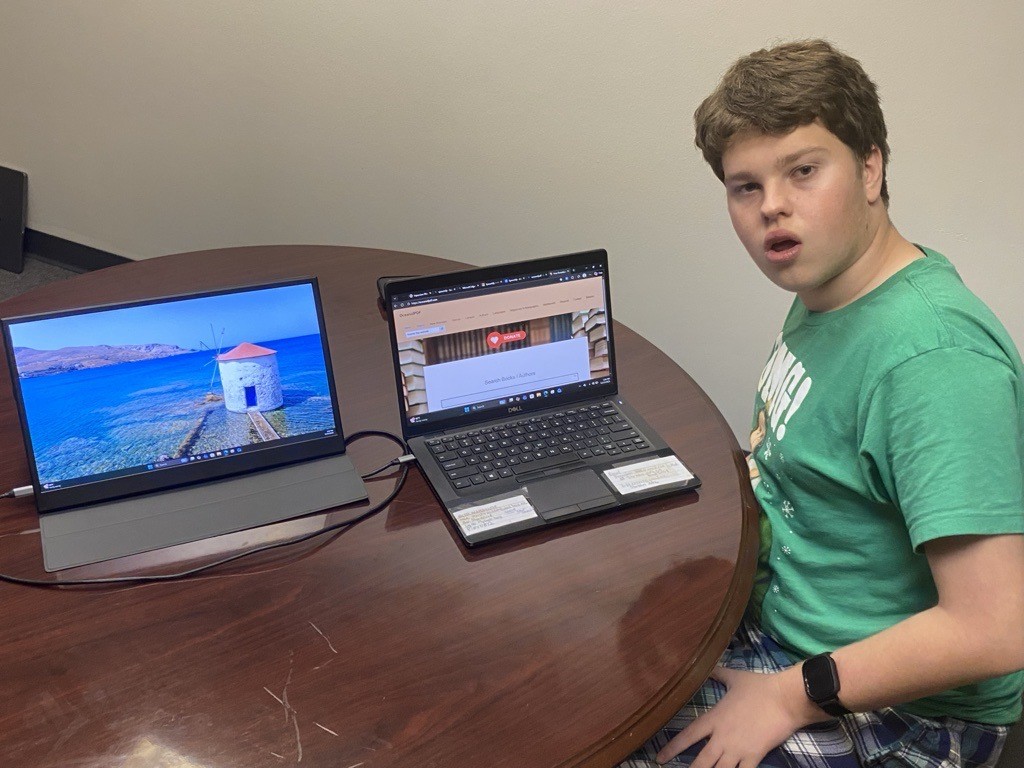
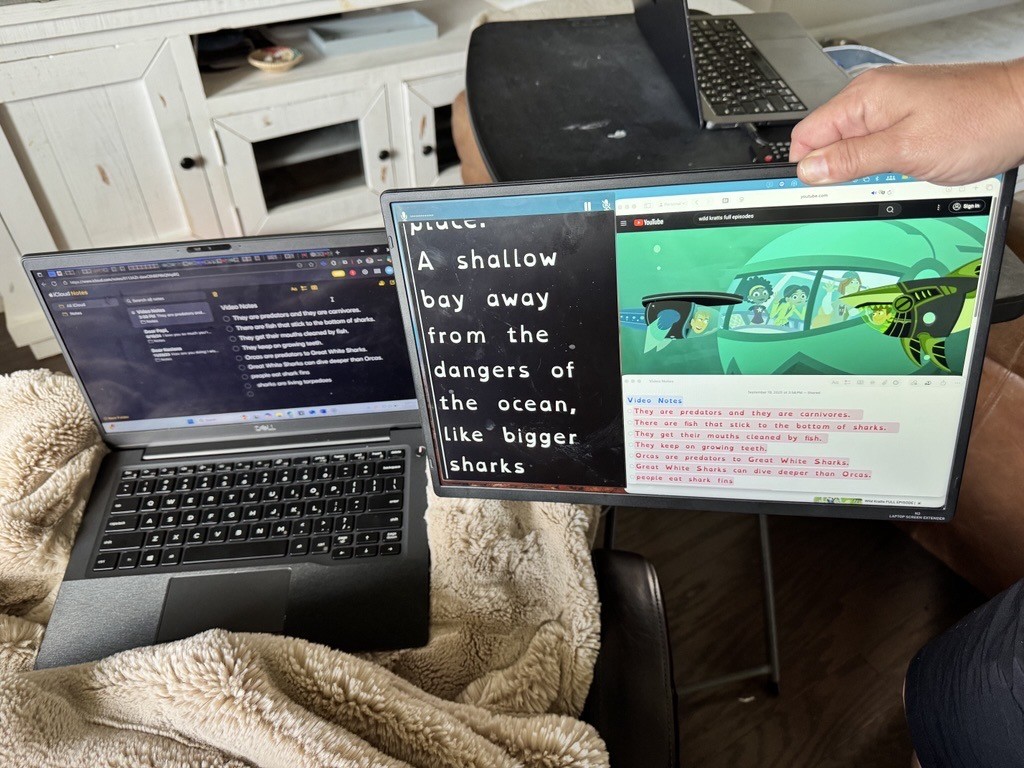
Our son uses yet another screen extender, with a removable Smart Cover that doubles as a stand. He’s neurodivergent and homeschooled: often he’ll work on his school assignments while I sit across from him and do my work assignments. I’ll set up the extender for his laptop and position it so I can watch a mirrored or “cloned” display of whatever he’s looking at. That way, I can check that he’s doing what he’s supposed to be doing: for example, if he’s using headphones to listen to a text on Speechify, I can see where it is and that it’s playing at the right speed.
Also, if he’s got a quick math question or something like that, I can just glance up and answer it without walking over to look.
Plenty of Options Out There
So, that’s three different types of extenders in our household. It’s not a huge budget stretch to get one for each family member: most extenders I’ve seen cost between $50 and $100.
With a simple Amazon search you can quickly find a good one to fit your needs. A few features I recommend looking for:
- Built-in or attachable stand.
- Protective cover, especially if you’re frequently on the go and need to carry the extender around.
- A screen that’s a little larger than your laptop’s built-in monitor.
And if you don’t think you’d ever use a screen extender: I have a friend who called it “so extra” until she tried one herself. Now she’s telling her own contacts how great it is.
Fun Facts and Helpful Hints
- Many laptops can “delegate” hard-drive tasks to screen extenders, improving overall function and speed.
- Most extenders connect without requiring extra software downloads. If this is important to you, double-check when choosing an extender, especially a more expensive or older model.
- Check also that your new extender is compatible with your operating system, especially if your computer is more than two or three years old.