Update on our teamup with Compudopt and the digital-skills classes offered through that partnership. Tara Rocha, BridgingApps Digital Learning Specialist, shares a report from the field.
I wasn’t surprised by the tremendous level of interest, especially since every participant gets a refurbished laptop at no charge! Sometimes I’ve done as many as four trainings a week. Right now, we have a long waitlist, but interested individuals are still welcome to sign up.
Far Afield
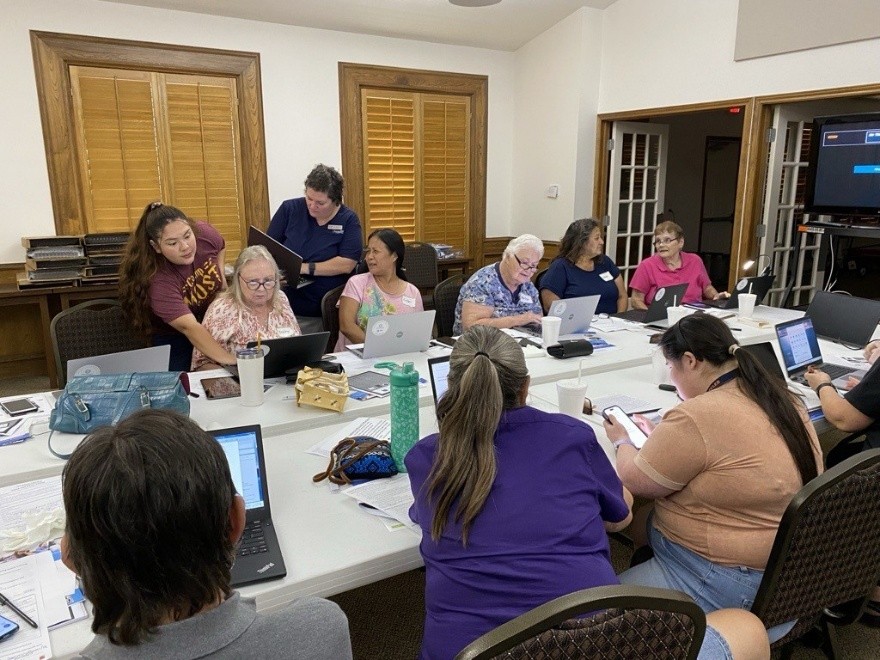
Although most of our trainings are in the Houston area, we had a call last spring from a pastor in Giddings, Texas, a rural town in Lee County. Several of her parishioners with age-related disabilities were looking for technology resources. We scheduled an afternoon session at the church, where each participant received a refurbished laptop, setup help, and basic digital-skills training.
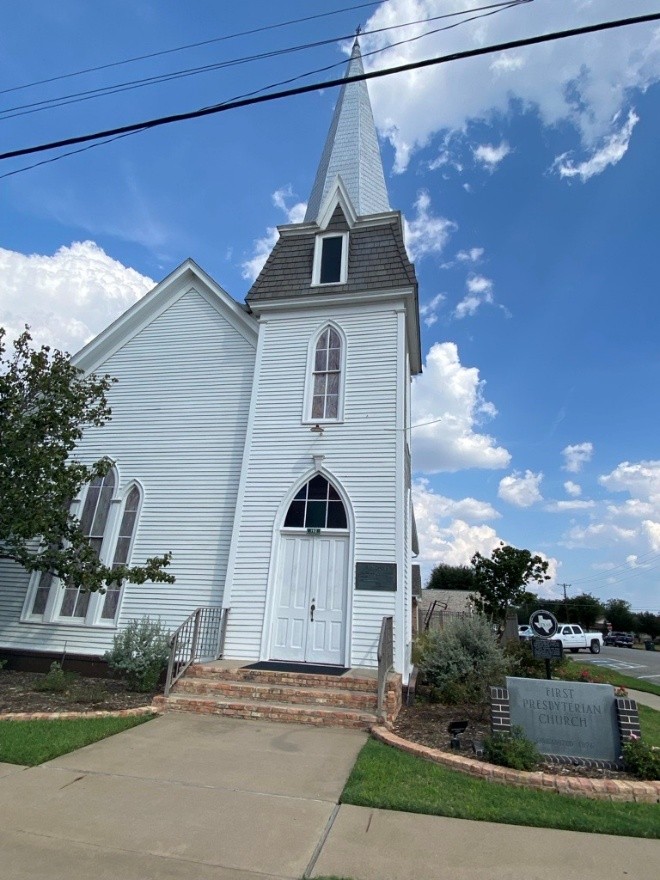
It was a lively session. Attendees were excited to learn digital ways to pay bills, apply for services, and connect with their peers. Many found it life-changing to use larger screens than they had on their phones.
Closer to Home
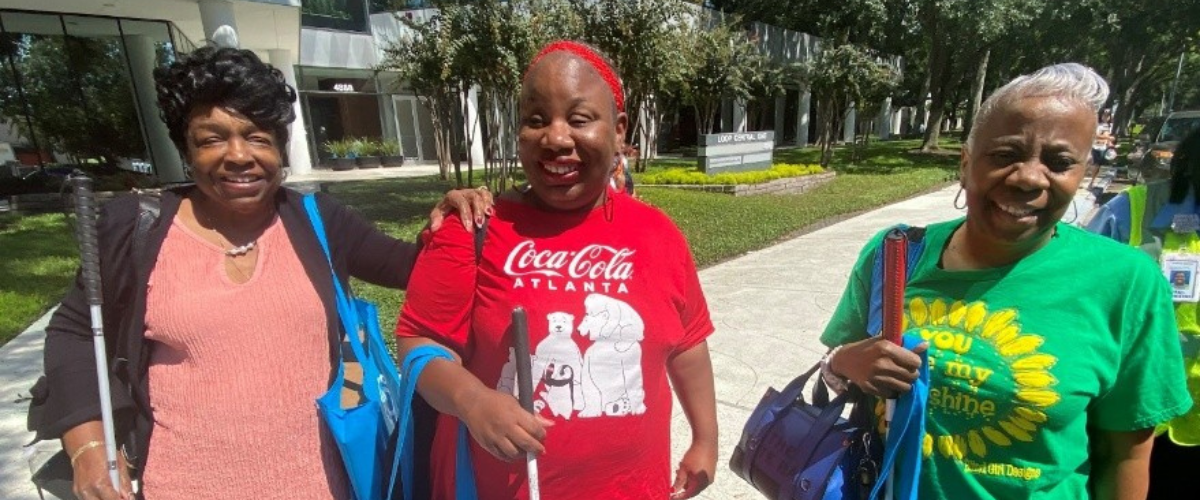
More recently and back in Harris County, we were thrilled to offer refurbished laptops to some of our clients with low-vision disabilities. Among the participants were a group of friends who rode METROLift together. I heard these ladies joke about “the blind leading the blind” as they were leaving shoulder to shoulder, and they really were leading each other out. It was so heartening: a close-knit group sharing these trainings together.
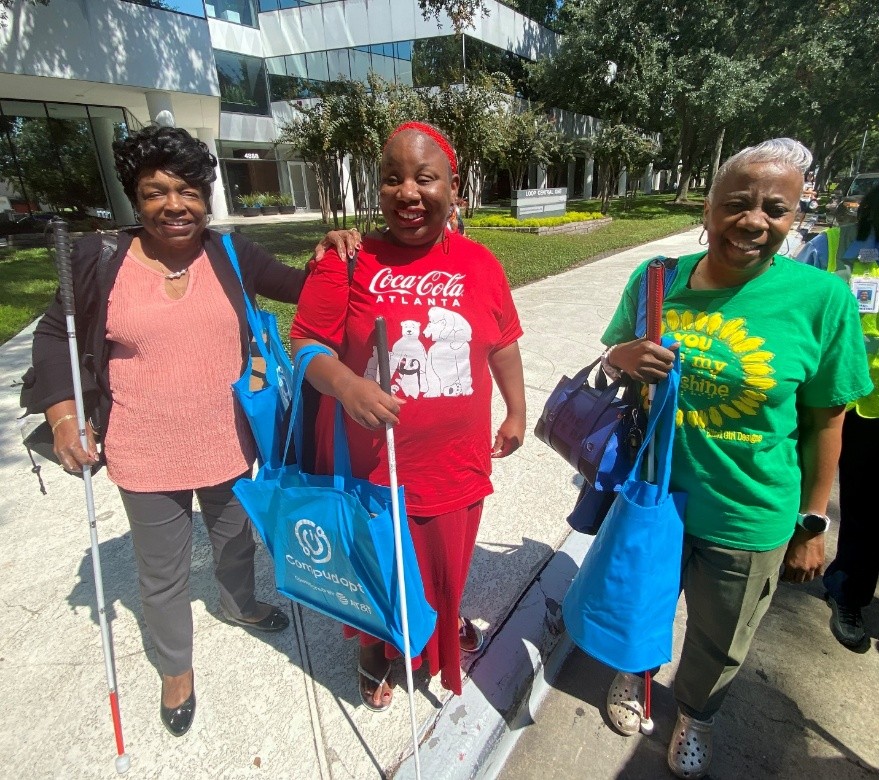
They were excited to get their Compudopt bags, which make it easier to carry laptops on public transportation with both hands free to navigate.
I also remember a woman who had set up her smartphone to do spreadsheets, but had been unable to work with them recently because her vision had become so low. With the laptop’s larger screen, she was excited to be able to use Excel again. As she put it, “Having my own computer helps me feel connected. I love using (Microsoft) Word and typing letters, and browsing the internet. This will make things so much easier.”
Hands-On Virtual Communications
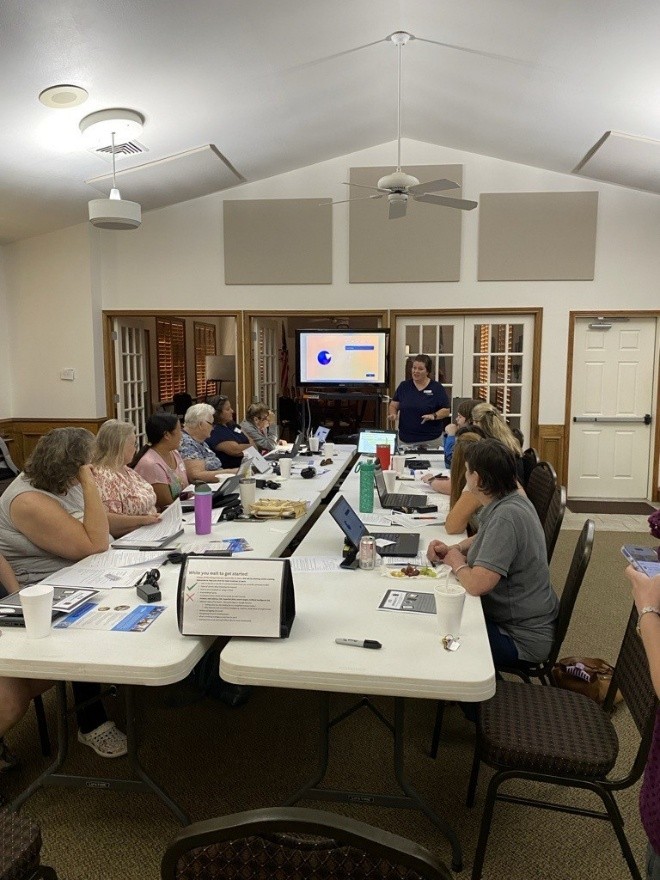
Another popular computer skill is using the Microsoft Teams meeting app. During class, we email everyone a meeting link and have them log in, which also verifies that each refurbished laptop has its camera and microphone working. Once participants are in Teams, we have them open Chat and share comments on “what most excites you about getting your computer.”
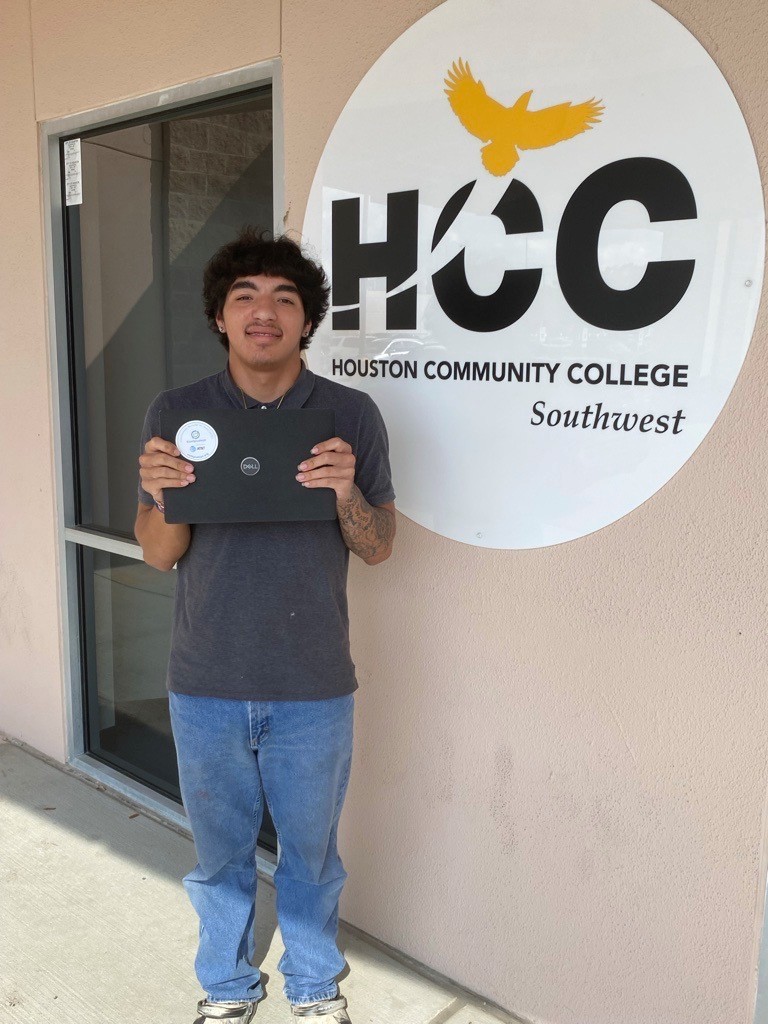
Sample comment, from a High School/High Tech graduate and HCC VAST Academy student, who lives in Baytown without private transportation:
“[Virtual access] is a game changer because I’m able to do stuff for college football and classes. I’m able to create résumés without going to a library. And with the computer, applying for jobs is a lot easier than on my phone.”
Digital Training and Assistive Technology
Each digital-skills session comprises three hours of intense training. To encourage even more learning, we offer on-demand resources including:
- Follow-up trainings in our assistive-technology lab
- A Compudopt-provided flash drive with videos about tech-related topics (most videos can also be accessed on the Compudopt website)
- Access to the Achievery program
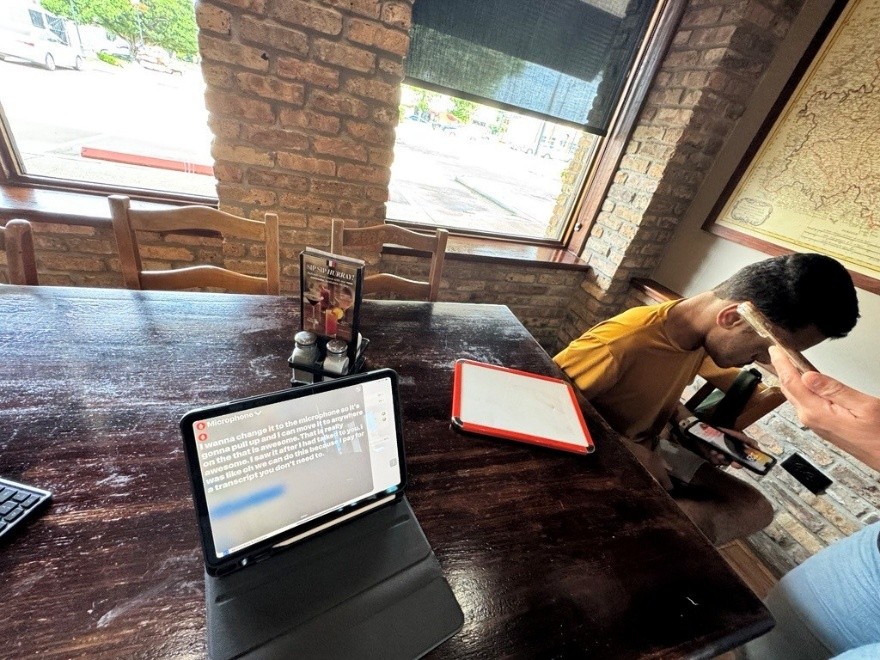
We emphasize accessibility for every participant. Assistive technologies we have used in our sessions (and some technologies participants have brought themselves) include:
- Live captions (besides providing accessibility for those with hearing challenges, and better focus for almost everyone, these serve as learning aids for participants with beginning-level literacy or English skills)
- Noise-cancelling headphones
- Ergonomic mice
- Laptop screen extenders
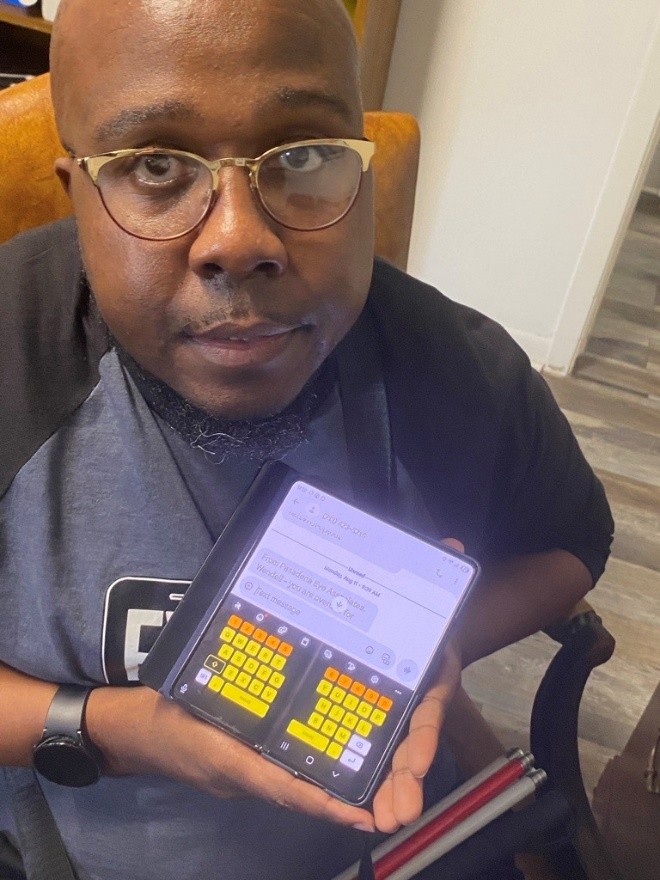
- High-contrast keyboards
- Dyslexia fonts (easier to read with their distinctive letter shapes and varied spacing)
- A hard-copy flip chart (useful for those with low vision, and for more visual learners—and for me as an instructor, helping me remember to talk through everything)
![A table-tent-style page with a photo of technology gear on the right, surrounded by text: [Header] "What's Inside the Box & Features"; [Checklist] "Power button / Charging port / USB C / USB A / HDMI"; [Footer] "Your computer is yours forever. It comes with 2 years of free tech support. Questions? Email us at: support@compudopt.org or call us at: (855) 532-5060."](https://bridgingapps.org/wp-content/uploads/2025/12/Compudopt-Image-5.jpg)
Learning with the Students
No challenge is insurmountable. I had a trainee last summer who was deaf, blind, and on the spectrum (autistic). Discovering live captions for iOS has been a complete game changer in his learning. And through working with him and his family, we have learned new ways to help other clients follow conversations and presentations.
The moment I receive an unprecedented-for-me assignment, I’m looking at new ways I can use technology to bring a topic to clients. “Weaknesses” can become strengths, incentives to learn and compensate, to try new things in new ways.