
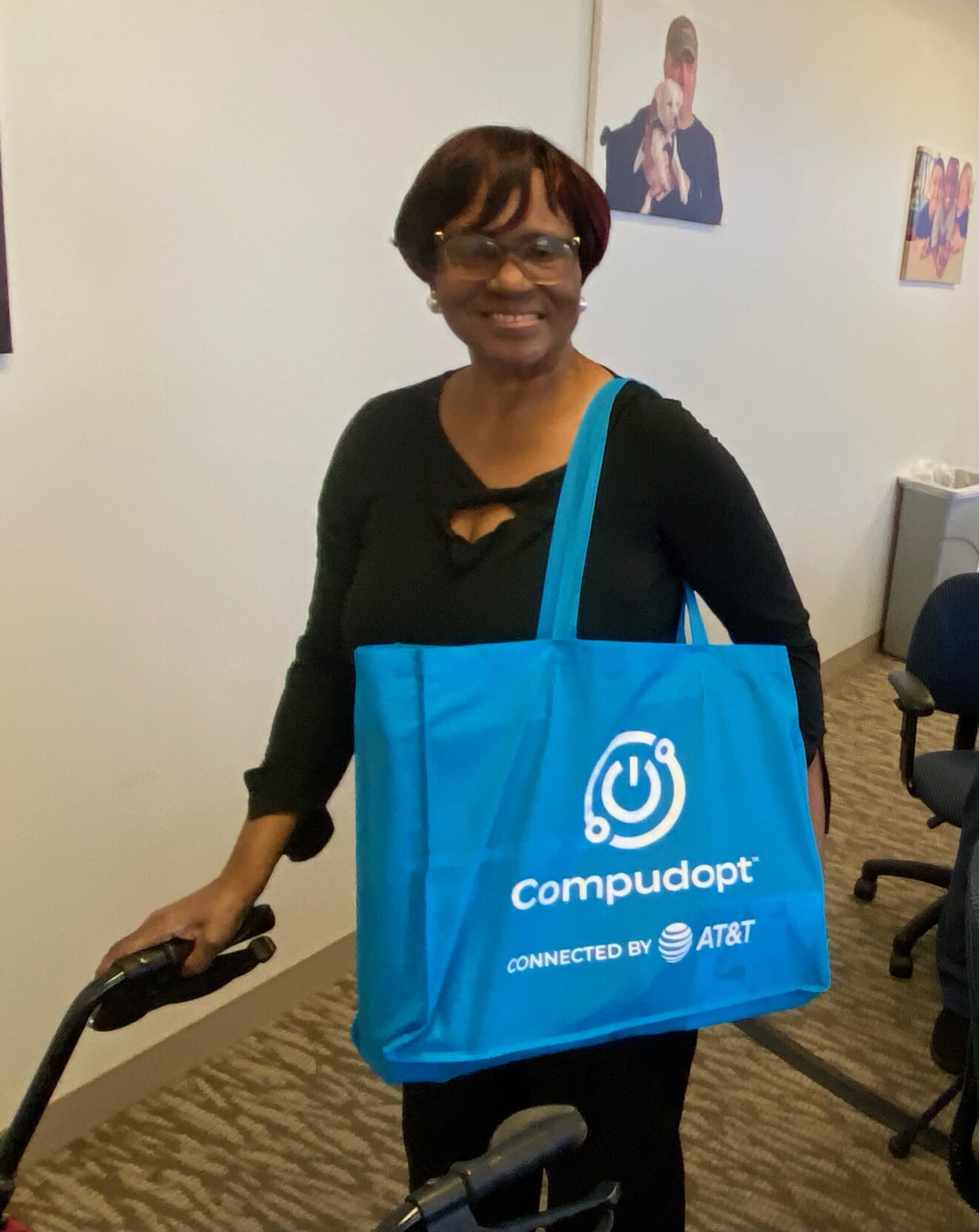
BridgingApps client Ossie Riley, a senior with low vision, has received digital-skills training plus a laptop, wireless mouse, plug-in keyboard, and extra monitor screen. Today, she shares her favorite things about the training and technology.
I found out about you through HAVIN, the Houston Area Visually Impaired Network. It was on a list of resources I got from a counselor at the Texas Workforce Commission. When I called HAVIN, their representative Ron stayed on the phone with me about an hour, so we basically are friends now. He helped me discover Easter Seals Greater Houston and BridgingApps, and that was the first of many blessings.
I have lost my vision in my left eye, and I appreciate the new keyboard for how it lights up, so I can easily find the keys. Plus, it’s a bright yellow keyboard with black letters, which makes it even easier for me to see what I’m typing.
In addition, I love being able to touch the screen and enlarge the fonts I’m looking at.
A New Way of Seeing Things
It is such a blessing to finally have a laptop of my own. I’d been wanting one for about ten years, but living on disability benefits, I just didn’t have the money. Before, I had to ask other people if I could use their devices, and these devices often had arrows [cursors/pointers] that were tiny and usually white, and I just couldn’t see them. Now that I have my own computer with a big black arrow and a touchscreen, I can actually see where I’m going with links and text, and can enlarge whatever I need a better look at. The built-in screen reader also comes in handy.
Now I use my laptop every day to stay connected and take care of business:
- I don’t drive anymore, so Zoom is where I go for support groups and vision programs. I can still be part of the community.
- I use WhatsApp to stay in touch with family and friends.
- I’m able to go on my health insurance website, make the words bigger, and read for myself what they’re asking or telling me.
- I shop online, especially for having groceries delivered from Walmart, which is a huge help.
- I’ve started using Google (and Hey Google) a lot more too, to ask questions and figure out how to do things.
Moving Forward
Next, I’m learning to use the speech-to-text feature, how to talk to my computer and have it type what I’m saying. With my vision, typing can be hard, so to just speak and see the words appear on the screen will help me a lot. Once I learn, it will be even easier to write emails, fill out forms, and take care of my daily business on the computer.
Overall, having my own laptop has helped me live more independently than I could before. It’s opened up a whole new world for me.
I want people to know that this kind of technology is not a luxury for someone like me—it’s a necessity just to function in today’s world. There are so many of us with vision loss who can’t afford these tools, but we need them to live independently. I really pray that programs like this, and the grants behind them, can keep going to help more people.